• Welcome to the James Sprunt Community College Moodle Site

    • Technical Support

      If you have technical problems logging into Moodle or JSCC Email, you may email Just Ask Tech Support at justasktechsupport@jamessprunt.edu or call 910-275-6400.  (For a faster response, please provide your full name, JSCC student ID number, and a brief description of your problem including error messages.)  Fall operating hours are Monday-Thursday, 8:00 am - 5:00 pm, and Friday 8:00 am - 12:00 pm. The help desk is located in the Library in the Boyette building. For after-hours support, please visit our helpdesk website for access to our real-time chat or call 910-550-1995. 

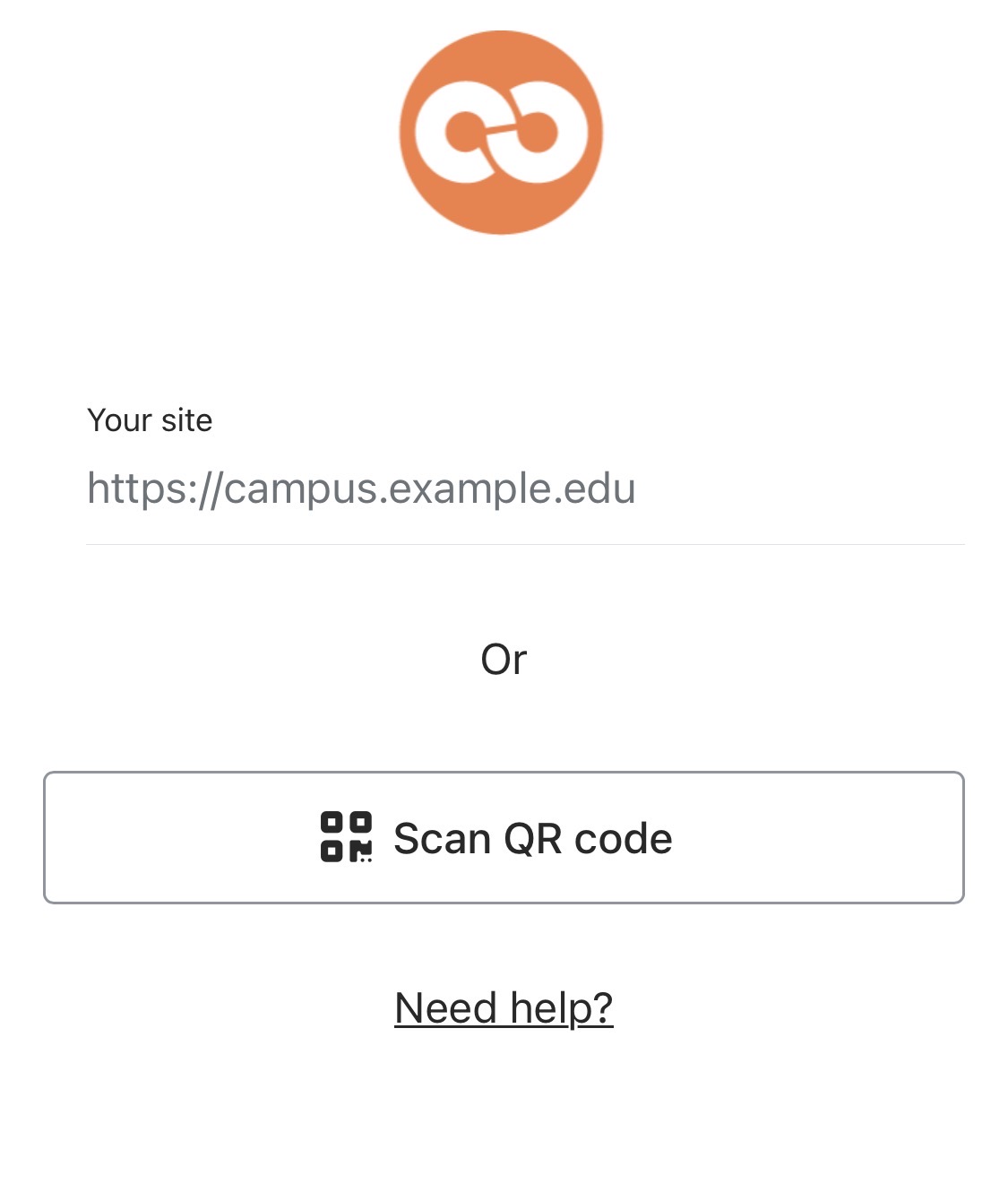
      If you would like to use a mobile app to access Moodle on your mobile devices, you must use the Open-LMS app available in Apple and Google Play Store. You may scan the QR code below to download the app now. 

      QR Code will allow users to download in the appropriate app store.

Site news

Mobile App to Access Moodle

by Heather Lanier -

If you would like to use a mobile app to access the JSCC Moodle site on your mobile device, please download the Open-LMS app found in the Apple and Google Play Store.  (The traditional Moodle app is not supported.)  Attached you will find a getting started document or you may view the

Scan the QR code with your phone to download the OpenLMS app now. 

OpenLMSMobileQR.png

Volunteers Needed!

by Heather Lanier -

James Sprunt Best Buddies Club invites you to get involved!

Best Buddies is a program that creates opportunities for friendship, inclusion, and connection for individuals with intellectual and developmental disabilities (IDD). Our campus chapter focuses on building meaningful relationships and creating a welcoming, inclusive environment for all students.

We are currently looking for both faculty/staff volunteers and student participants, and we would truly appreciate your help in spreading the word to students who may be interested in joining!

There are two ways to get involved, depending on your availability:

1. Buddy 

  • Be paired one-on-one with a student
  • Connect regularly (meet for lunch, attend events, check in, etc.)
  • Build a meaningful and supportive friendship

2. Member at Large 

  • Attend club meetings and events when you are available
  • Support inclusion efforts on campus
  • Participate without the commitment of a one-on-one match

We’ve hosted a variety of fun and engaging events, including:

  • Game days and social gatherings
  • Disability Awareness events
  • Informational tables and campus outreach activities

Whether you’re able to commit to being a Buddy or prefer to participate as a Member at Large, your involvement helps create a more inclusive and connected campus community.

If you are interested, please sign-up (link opens in a new window). Please also feel free to share this opportunity with others—we would love to continue growing our chapter!

Thank you for your time and for all that you do to support our students and campus community.

Mollie Johnson, M.S., CRC
Access to Achievement Tutor
James Sprunt Community College
910-275-6371, mhjohnson@jamessprunt.edu

Campus Closed, Monday, March 16

by Heather Lanier -

Out of an abundance of caution due to severe weather, James Sprunt Community College will be closed Monday, March 16th. Please monitor your JSCC student email and your Moodle announcements for updates from your instructors. 

Please stay safe!

Campus Events - Week of February 16th

by Heather Lanier -

Tuesday, February 17th

  • 10:00 am, Strickland Lobby - Understanding Accounts & Savings - Presented by Student Services and First Bank 
  • 11:00 am-1:00 pm, Strickland Lobby - Black History Month Celebration
  • 11:45 am-12:15 pm, Boyette Building Library - Spartan Spirit Innovation Club

Wednesday, February 18th

  • 11:00 am, Williams 100 - Cooking on a Budget

Thursday, February 19th

  • Campus Bookstore Student Appreciation Day; 20% Off Clothing and Gifts
Older topics...

Accessibility

Background Colour Background Colour

Font Face Font Face

Font Kerning Font Kerning

Font Size Font Size

1

Image Visibility Image Visibility

Letter Spacing Letter Spacing

0

Line Height Line Height

1.2

Link Highlight Link Highlight

Text Colour Text Colour