
Frequently Asked Questions
This book contains answers to many of the most commonly asked questions we've received from instructors and learners.
How do I edit my profile?
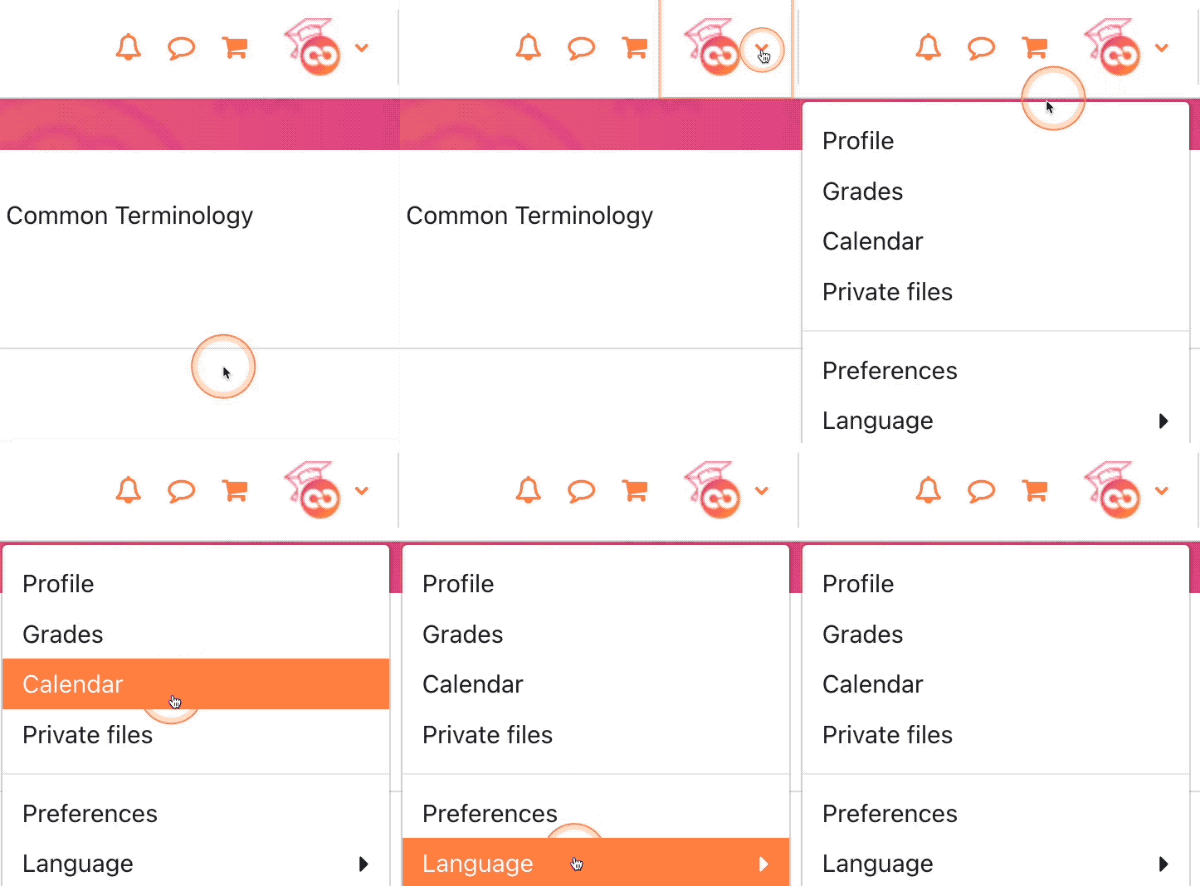
Click the User Menu icon in the top-right corner of the screen, then select Profile. Click the Edit Profile link on the next page. From here you can add a biography, upload a picture, and change preferences like how you want to be notified of new forum posts. Remember to click the Update Profile button at the bottom of the page to save any changes you make.
Background Colour
Font Face
Font Kerning
Font Size
Image Visibility
Letter Spacing
Line Height
Link Highlight
Text Colour